How QR code Ordering Works
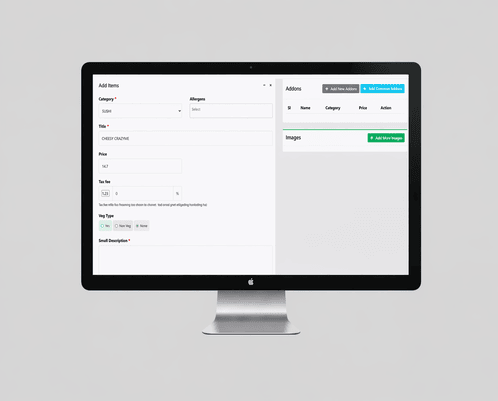
Step 1: Create your how2dinekosher Online ordering page.
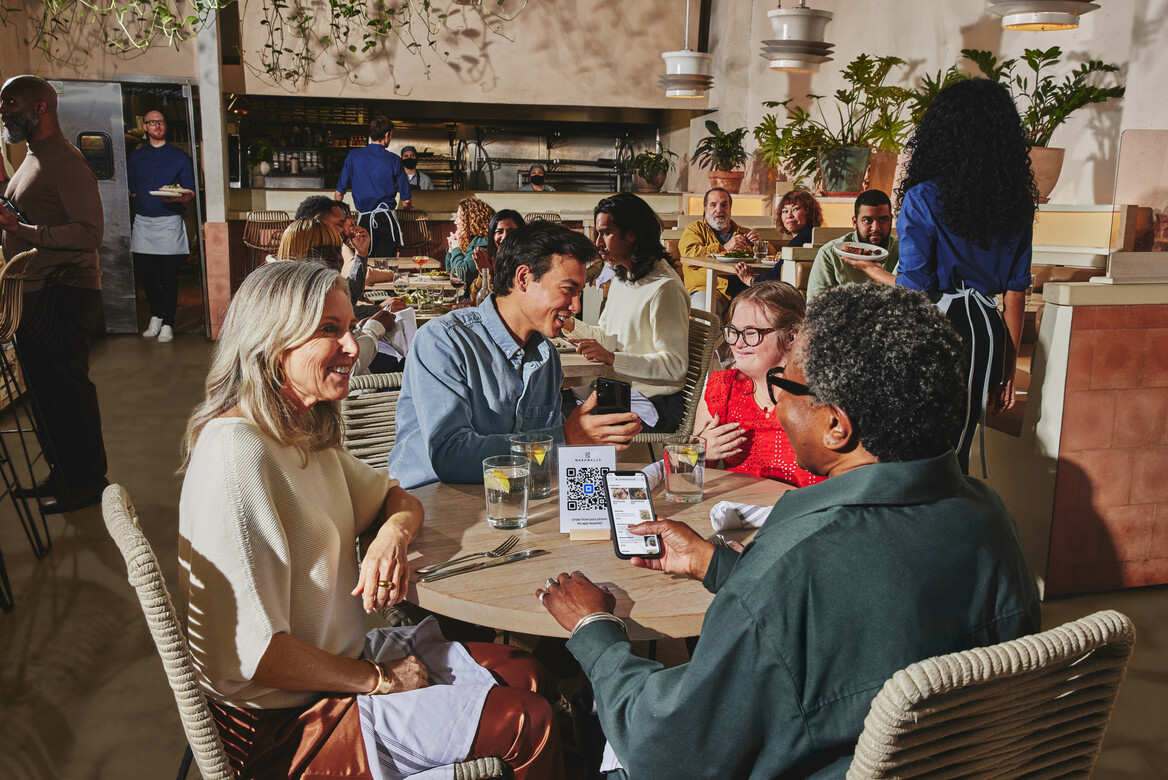
All ordering pages offer an app-like experience for easy browsing, ordering, and payment on mobile.
Step 2: Generate and print your QR codes.
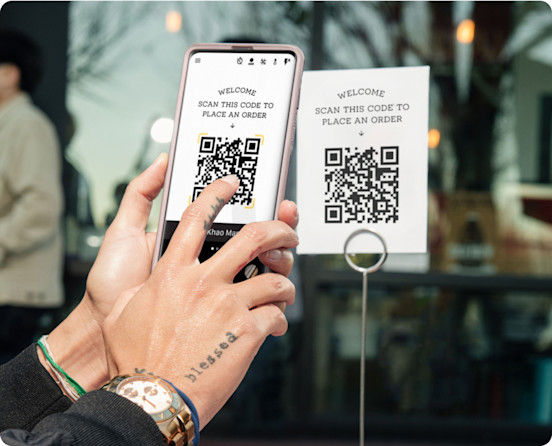
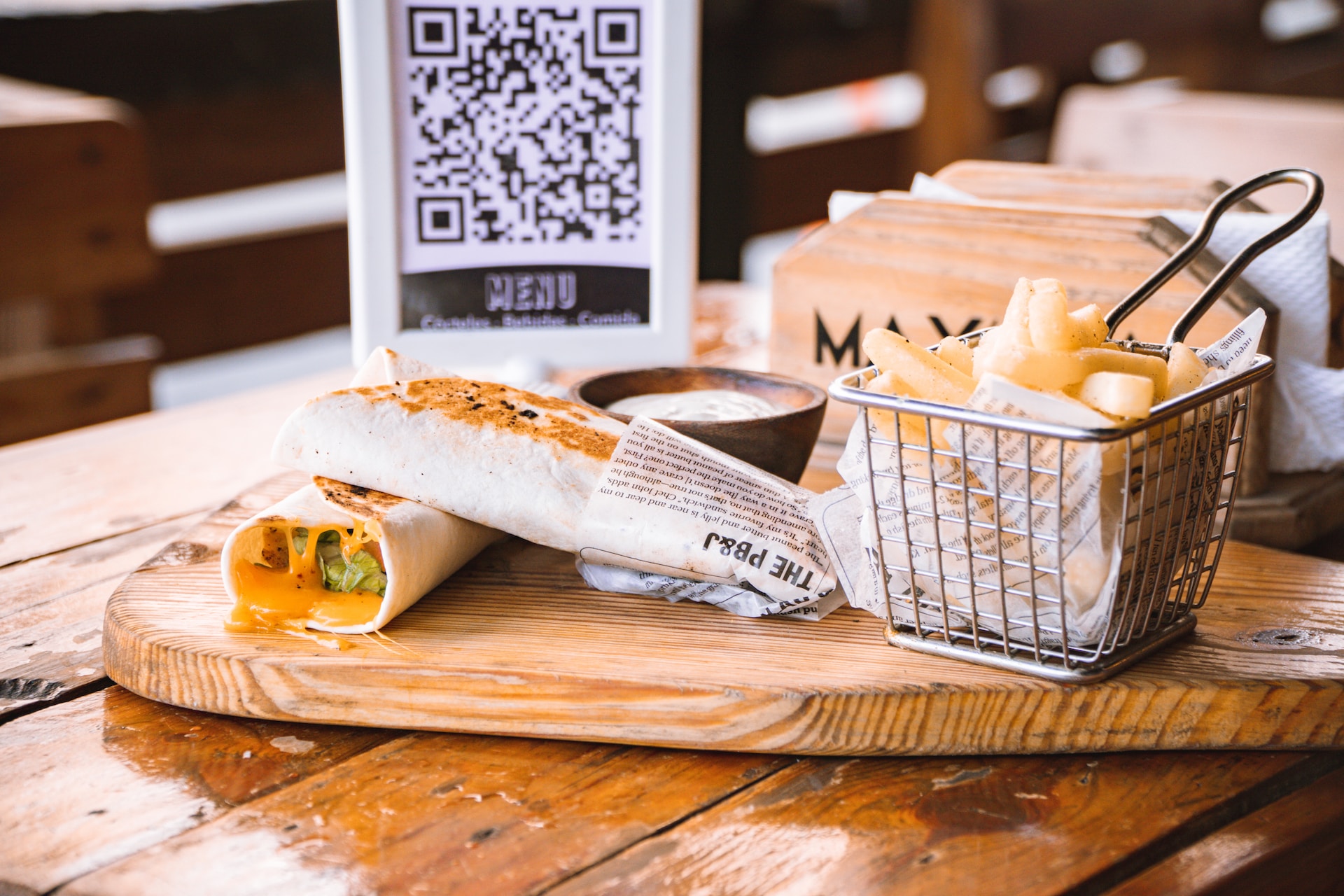
Each QR code is uniquely mapped to one of your tables, walk-up windows, parking spots, or other ordering locations.
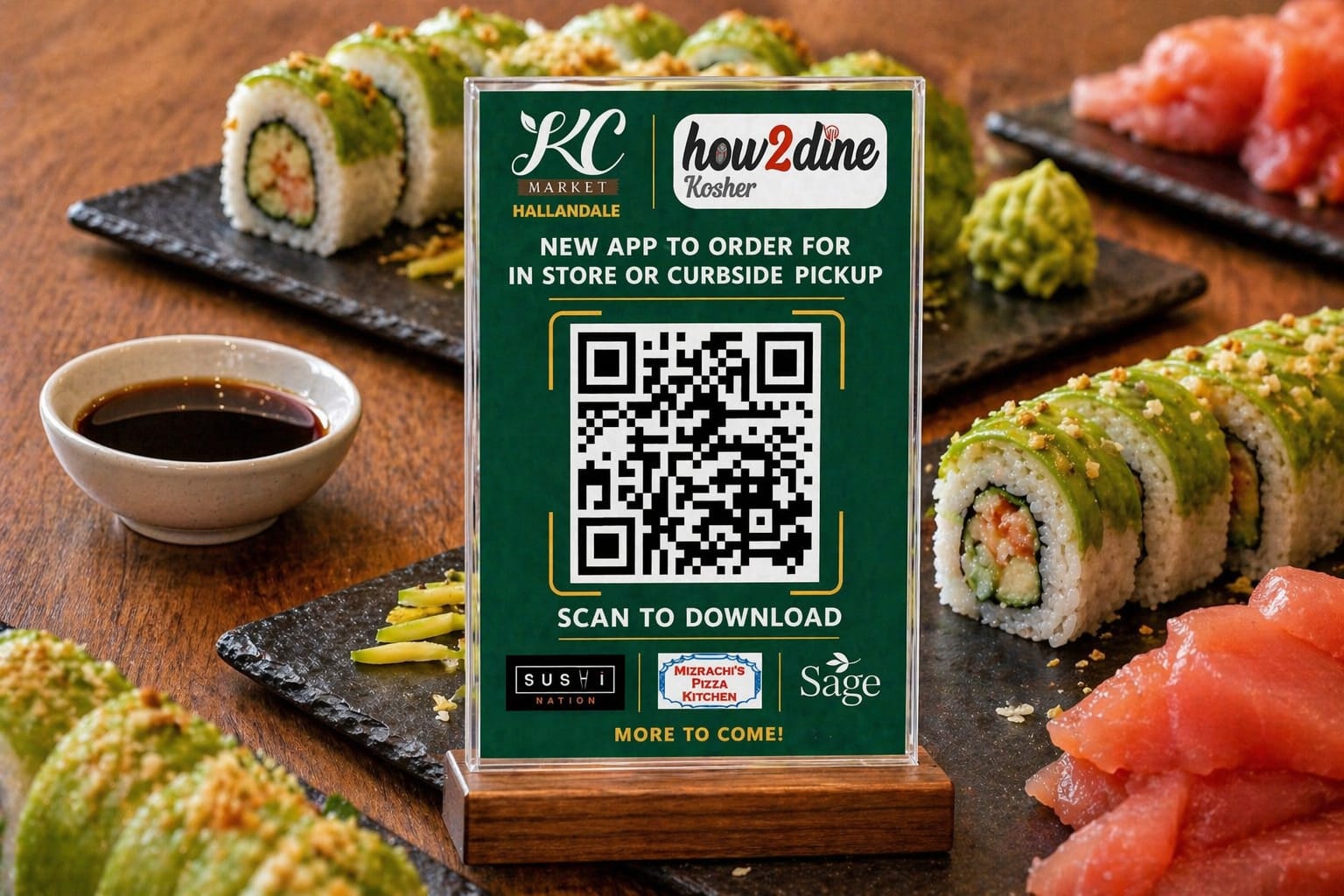
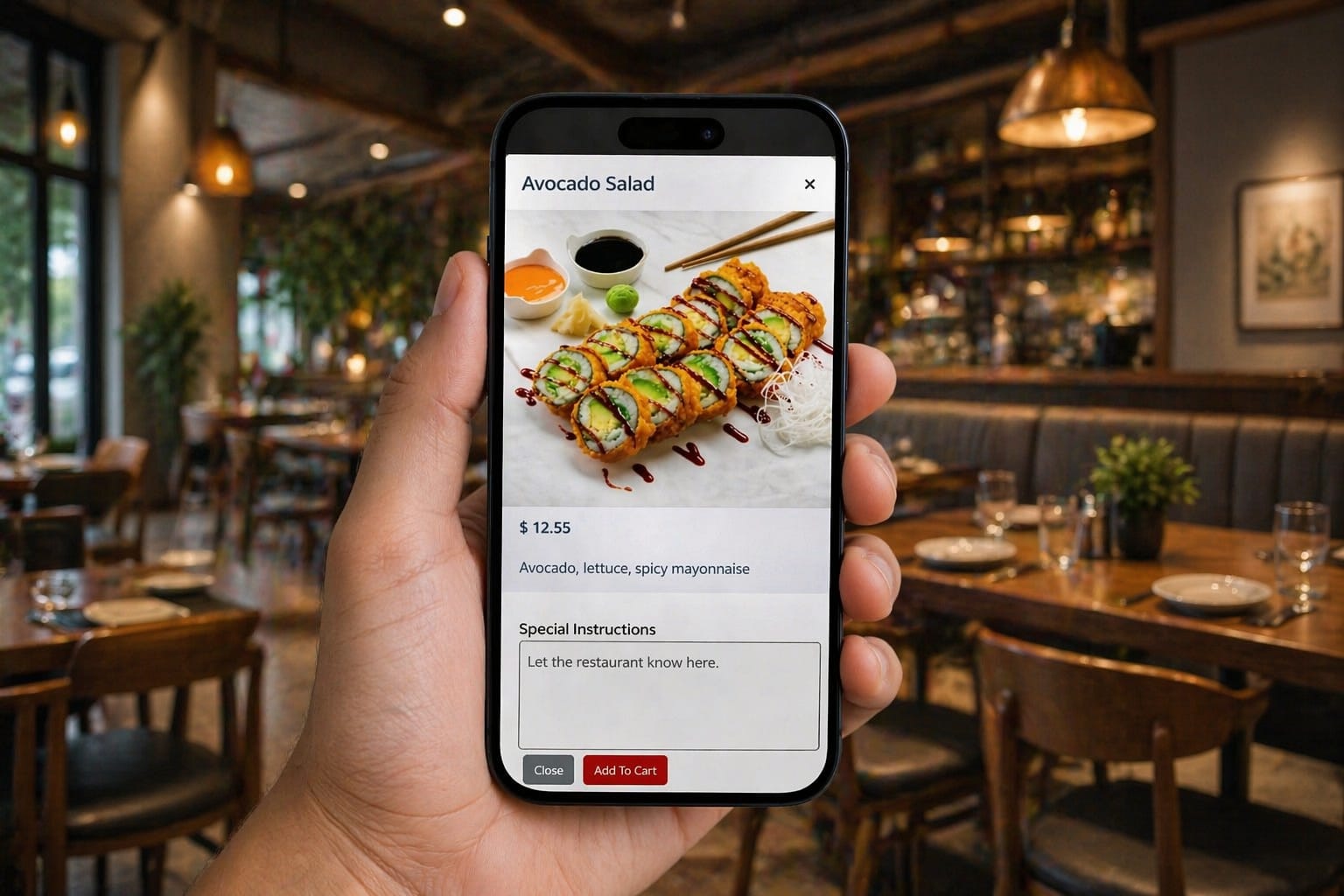
Step 3: Scan QR codes to open your ordering page.
Guests can order, add notes, and pay immediately.
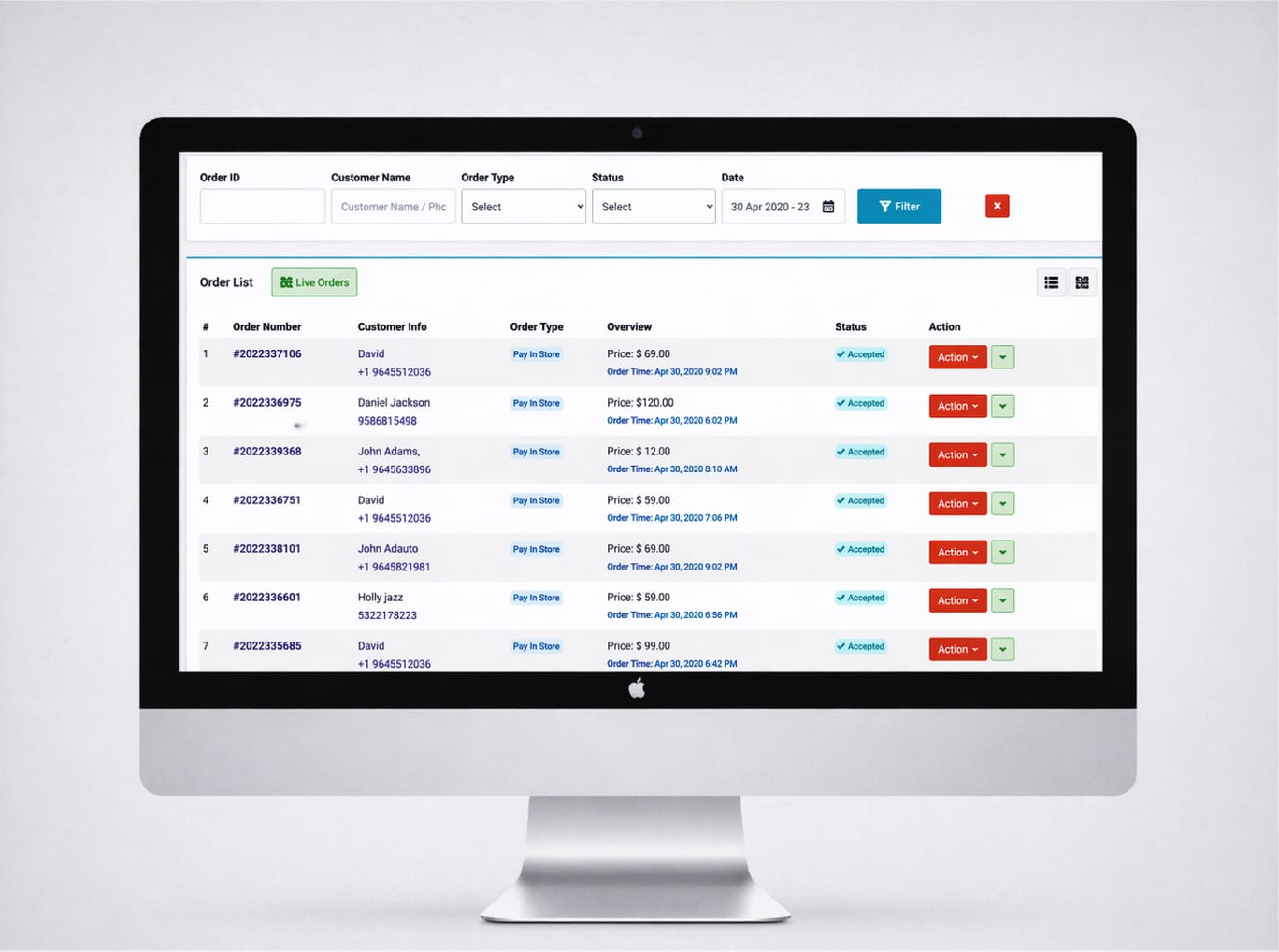
Step 4: Orders go to your POS and kitchen printers.
Your staff can prep and run orders, or you can provide guests instructions on where to pick them up.
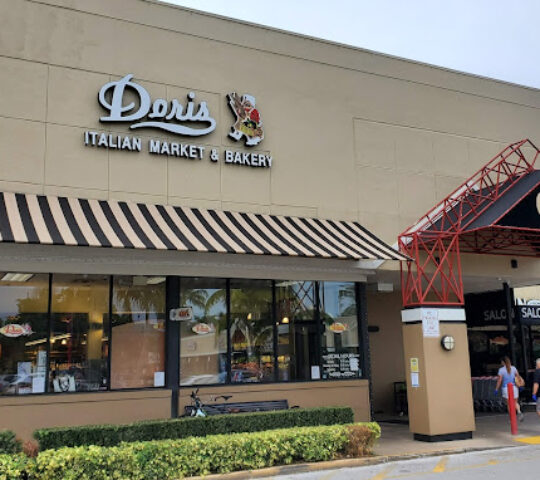
Grocery Stores using how2dinekosher

$7250,00

$7250,00

$7250,00


$7250,00


$7250,00


$7250,00
$7250,00


$7250,00

$7250,00

$7250,00
$7250,00
$7250,00
$7250,00

$7250,00
$7250,00
$7250,00
$7250,00
$7250,00
$7250,00

$7250,00
$7250,00
$7250,00
$7250,00
$7250,00
$7250,00
Business Types

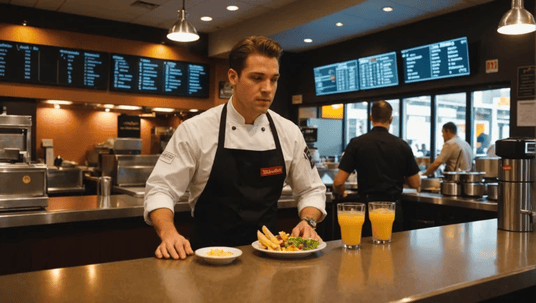
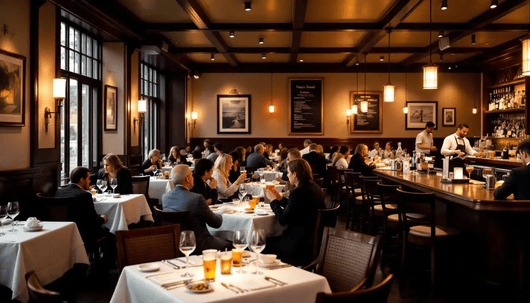
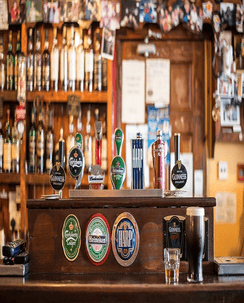
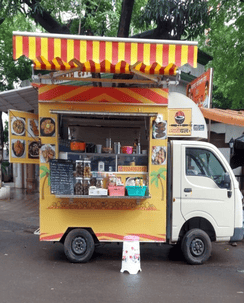

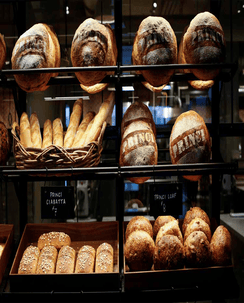
Designed for smooth service & operations
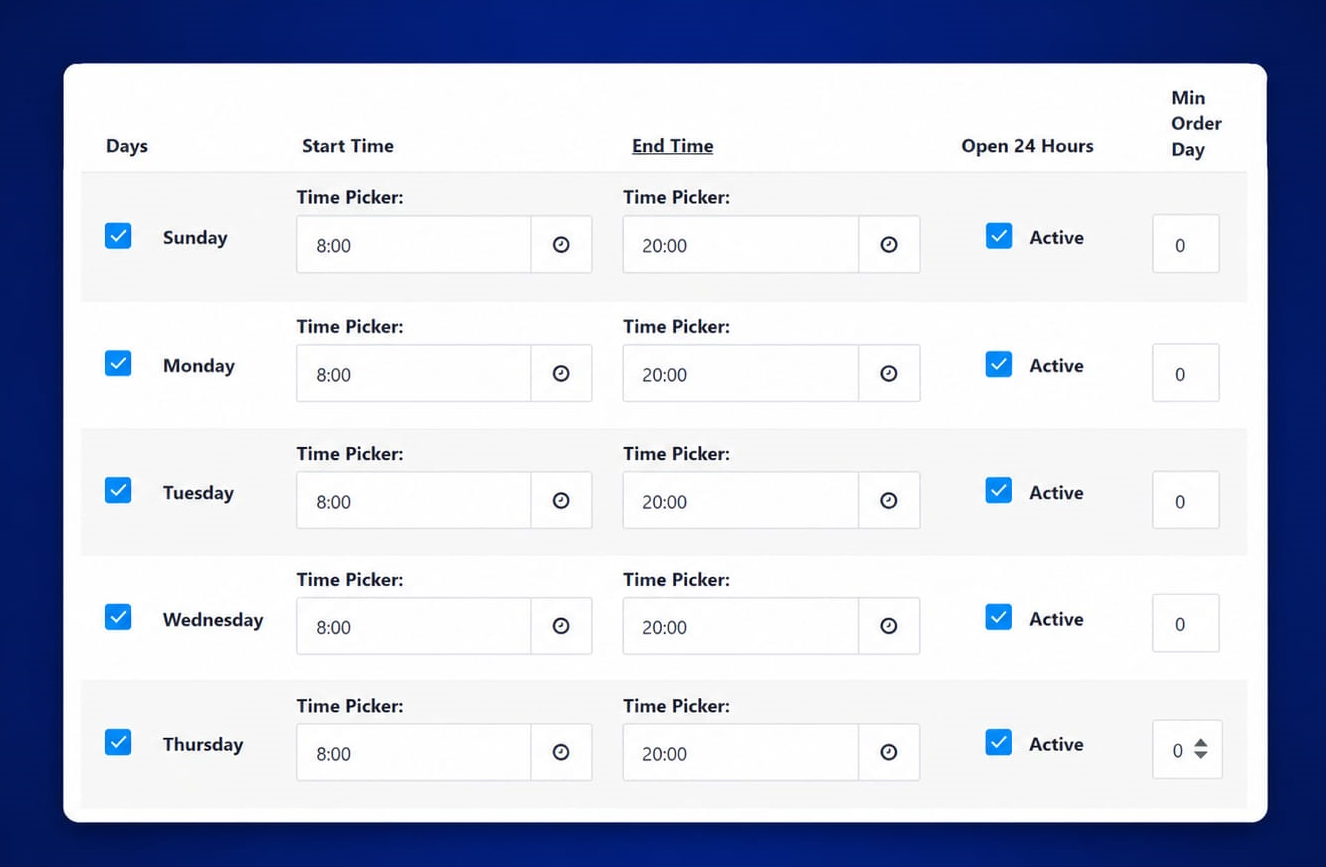
Automatic Closing & Opening Time
Learn More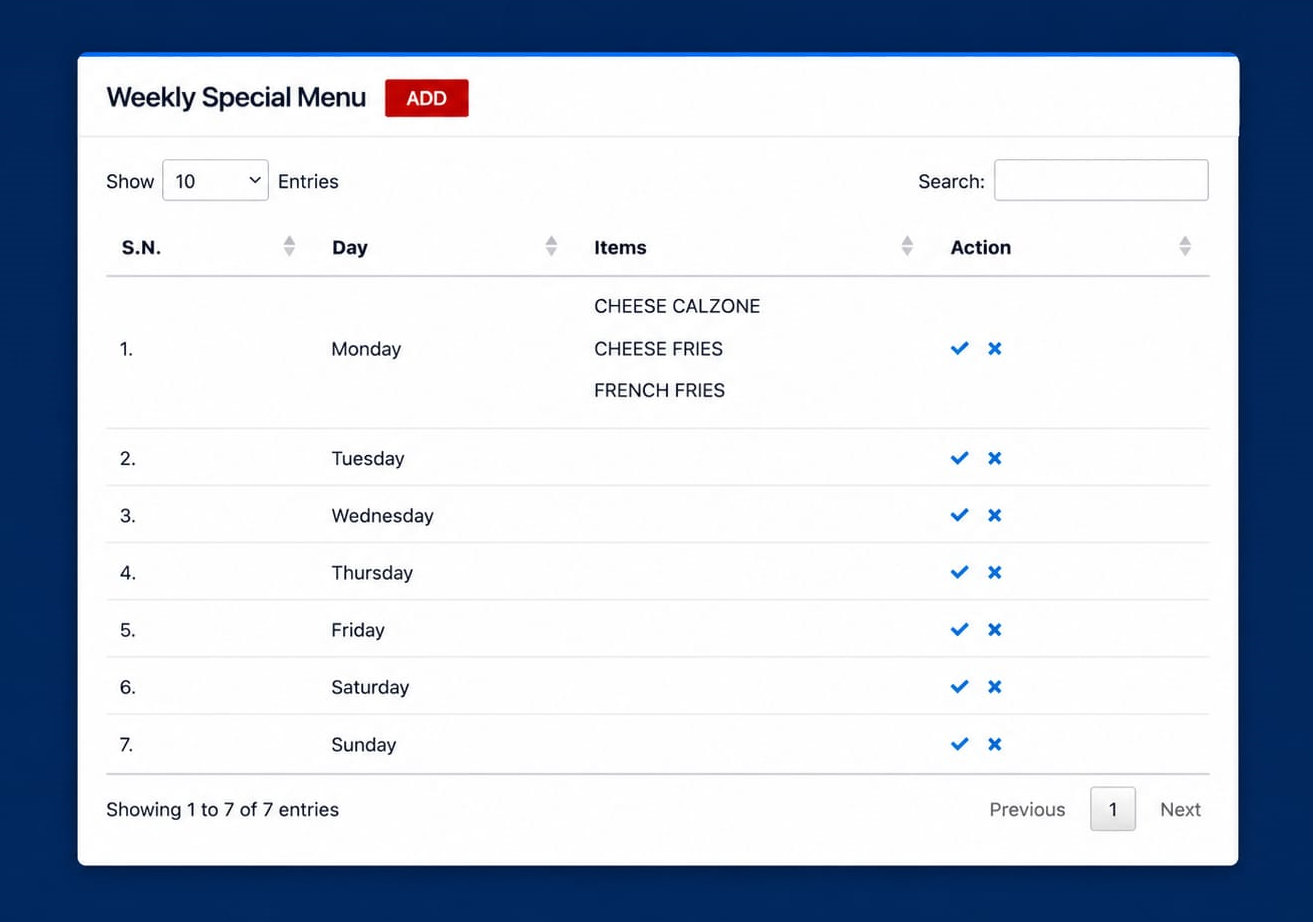
Weekly Specials
Learn More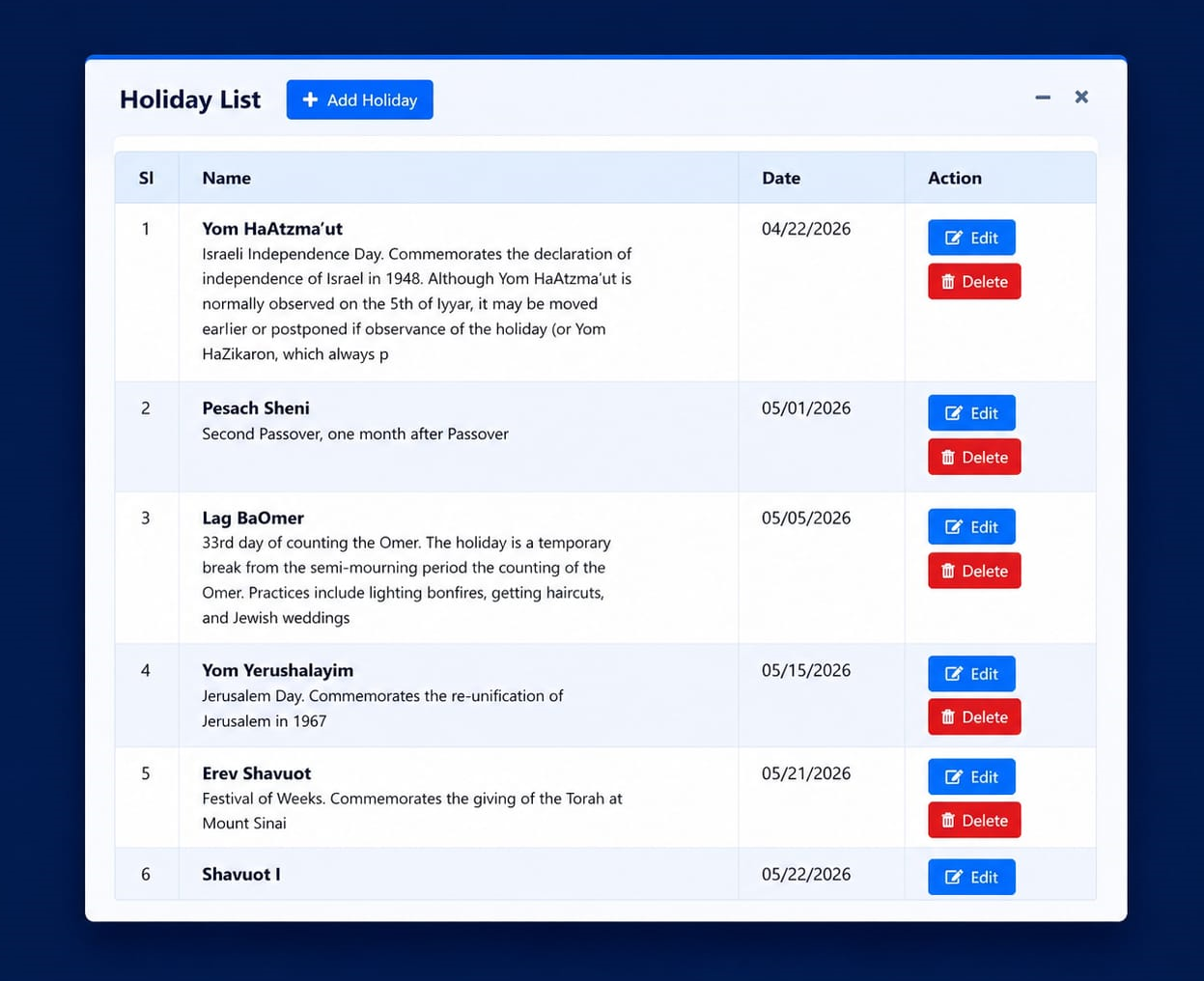
Automatic Holidays from Calendar
Learn More
Magical experiences, higher spend
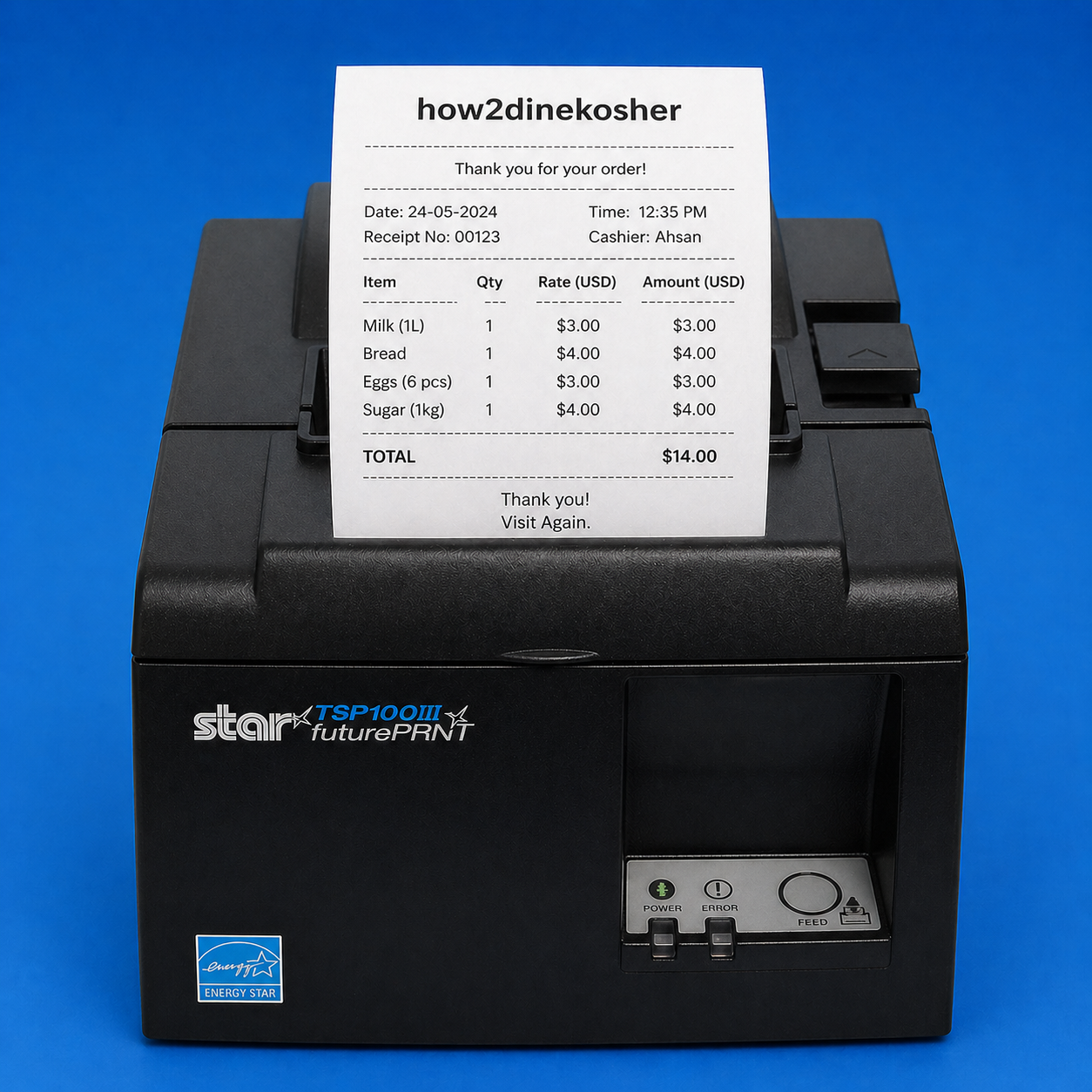
Printer Gateway
Backup printing so you never miss an order, using the hardware you already have.
Advanced Order Batching
Combines and prints multiple table orders together to streamline your kitchen and bar.
Automated Menu Sync
Automatic POS syncing ensures your menus are always accurate and up to date.






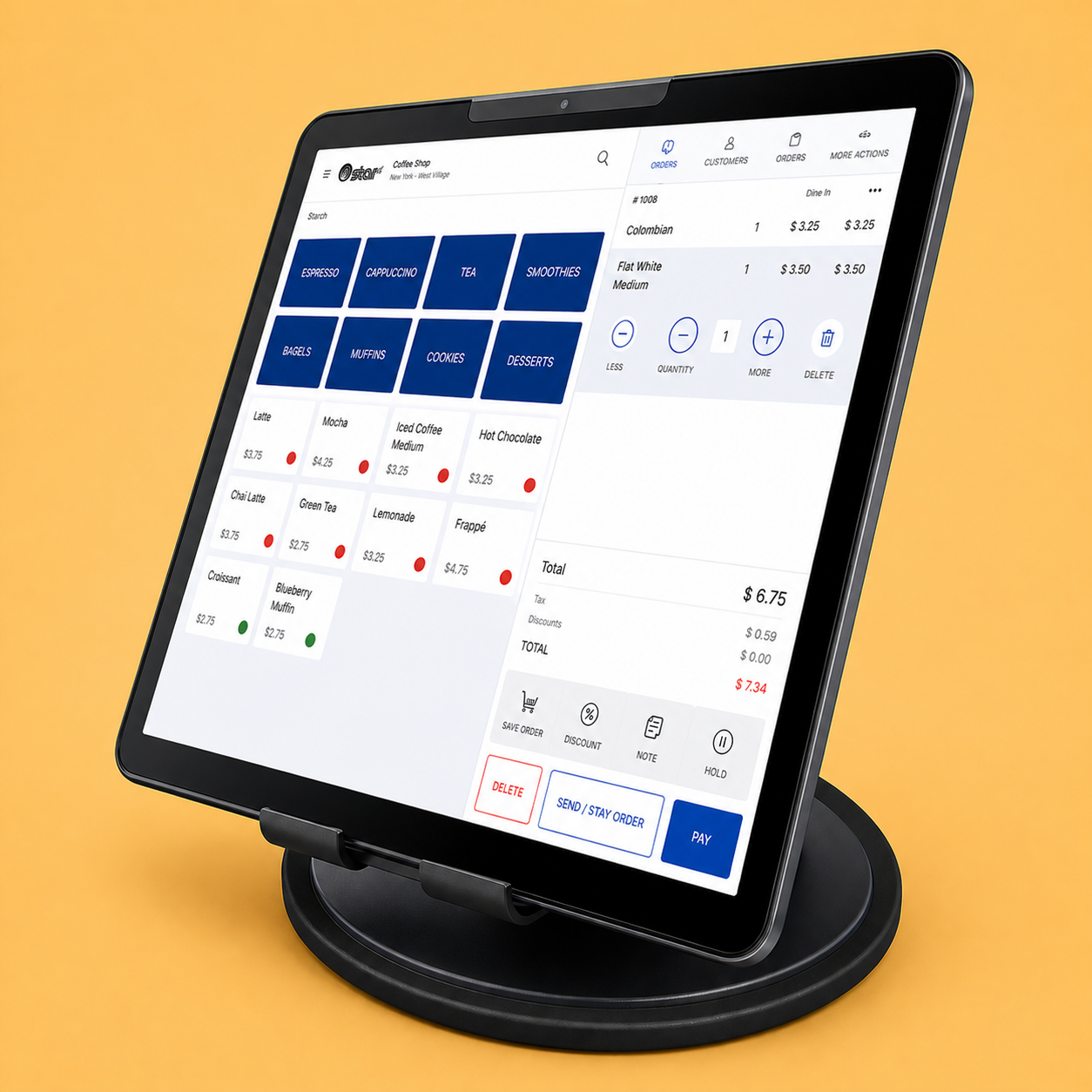
Hardware we use



“We really appreciated how2dinekosher quick addition of QR code ordering last year, and implemented QR codes immediately for our outdoor dining area. Most importantly, self-service technology helps protect our customers and employee.